
Capturas de pantalla
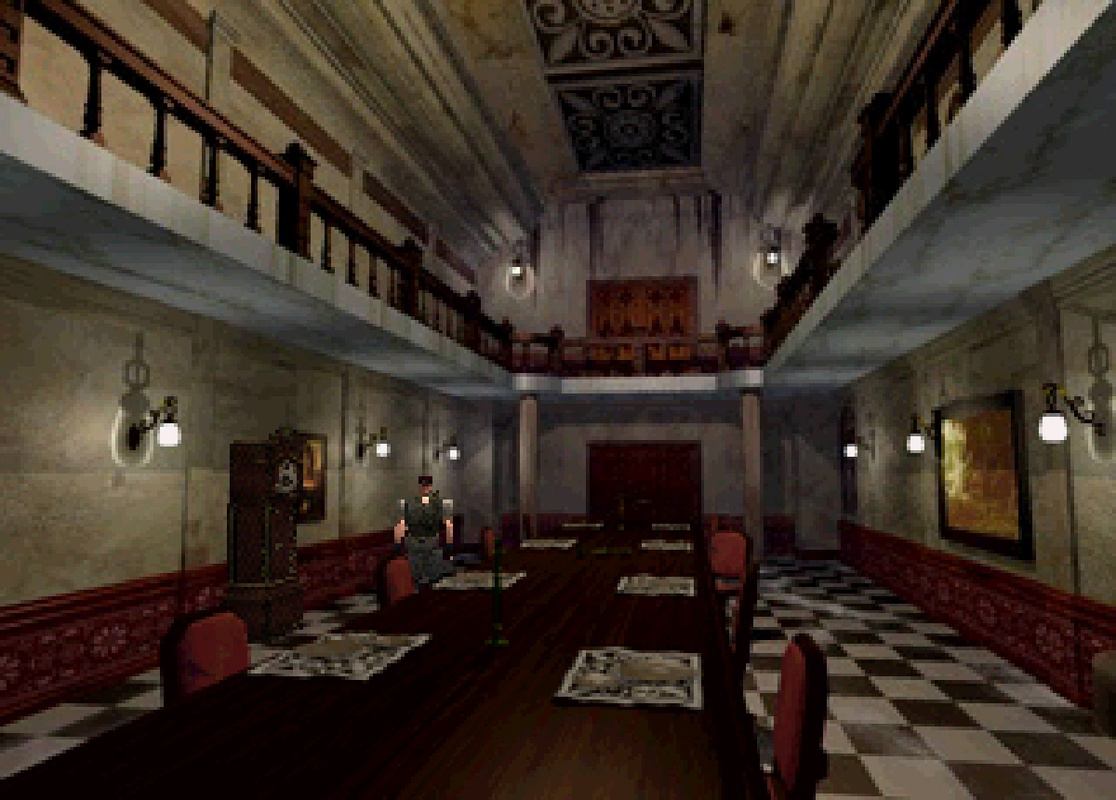
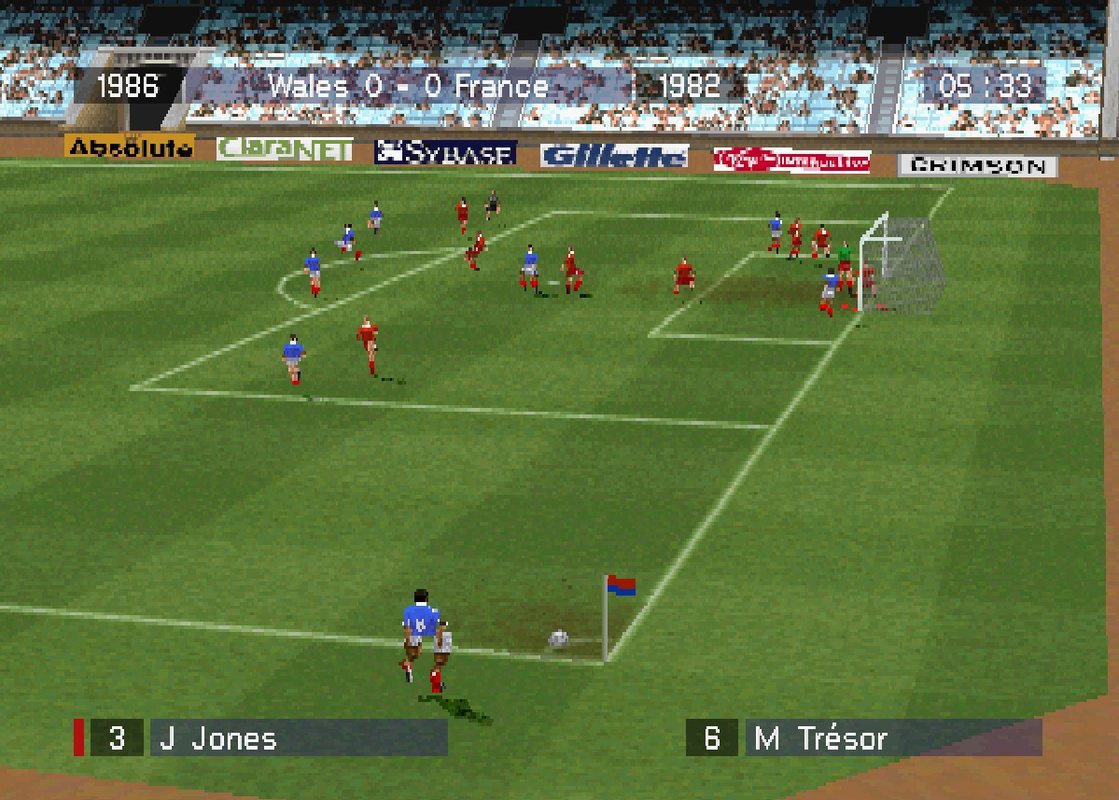
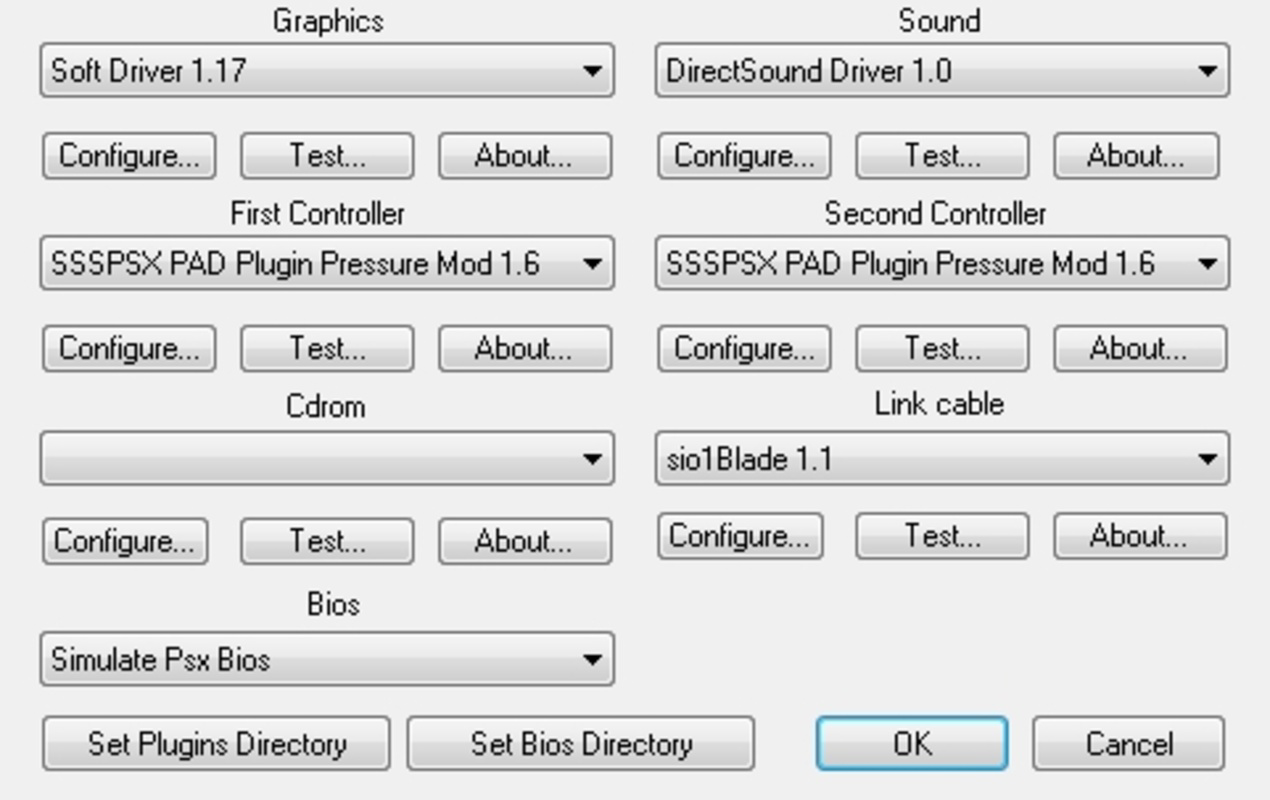
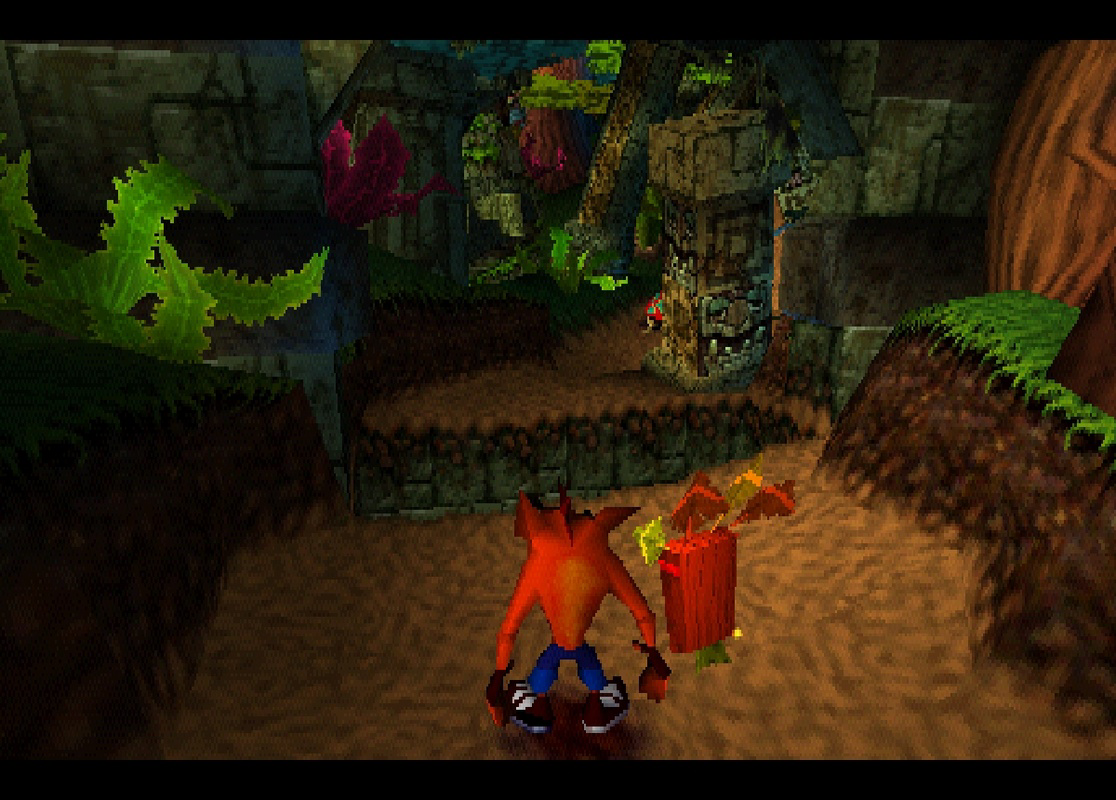
Detalles de la aplicación
- Actualizado
- Aug 18, 2023
- Idioma
- English
- Desarrollador
- linuzzap
- Categoría
- Mobile
SoftPas en:
Este producto también está disponible en los siguientes idiomas:
Acerca de PCSX Reloaded
Download PCSX Reloaded – Playstation One emulator, PS1 emulator, classic games, retro gaming
Overview
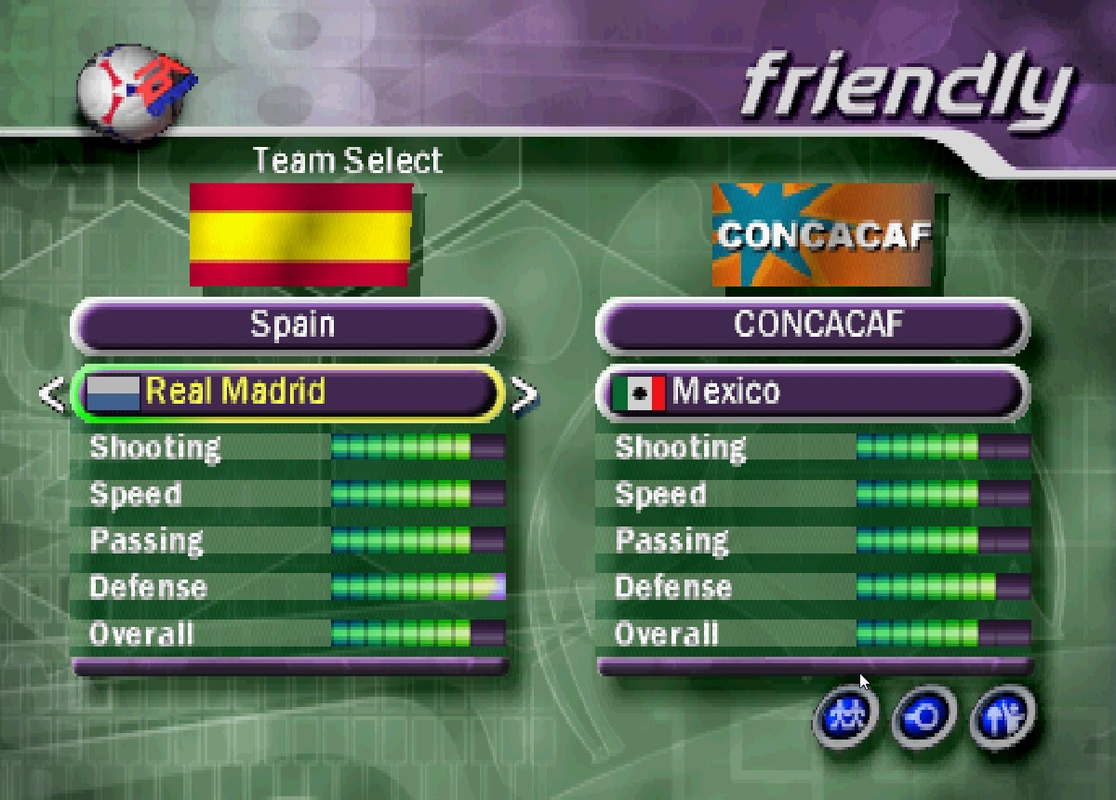
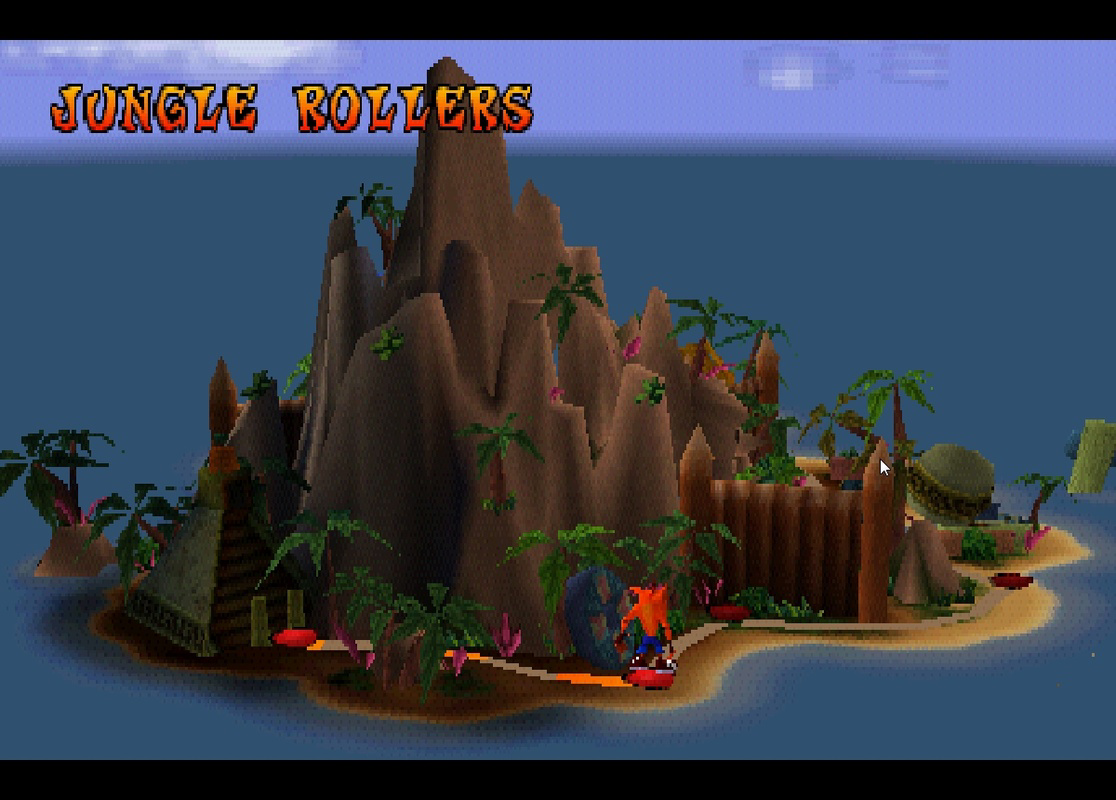
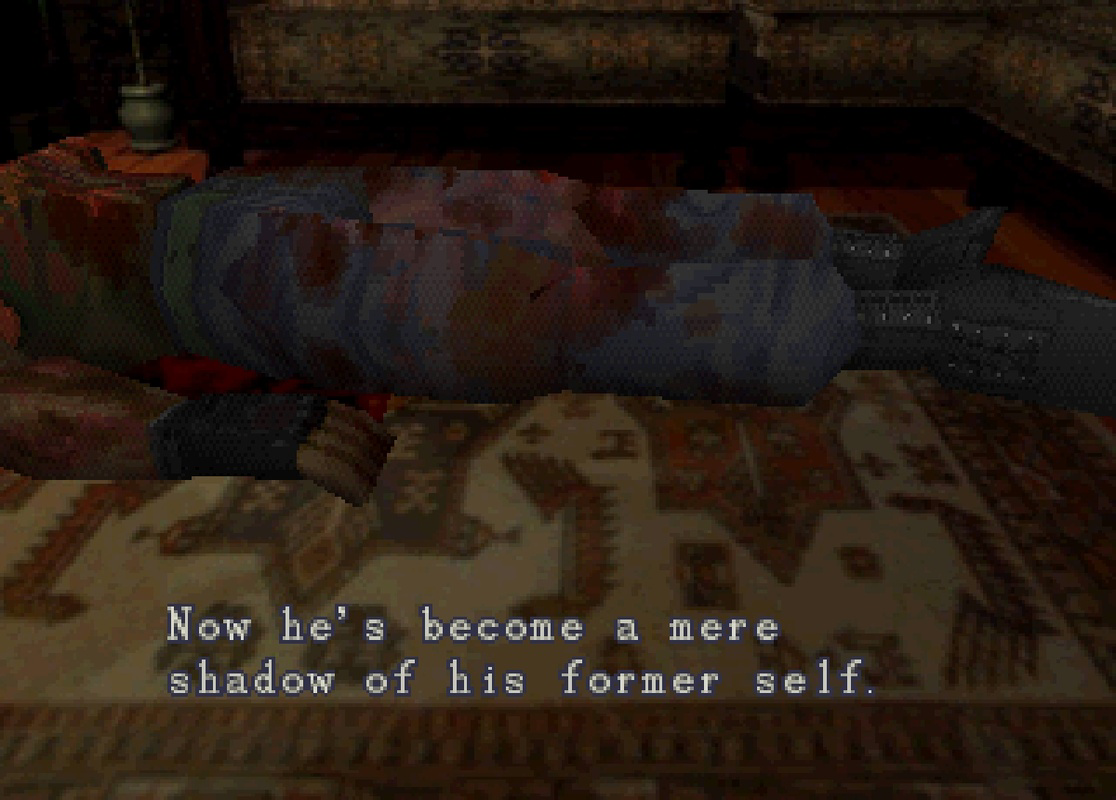
PCSX Reloaded es un emulador dedicado de PlayStation One diseñado para usuarios de Windows que buscan revivir la era dorada de los videojuegos. Esta aplicación permite a los jugadores ejecutar títulos clásicos de PS1 como Crash Bandicoot, Resident Evil, Metal Gear Solid, Final Fantasy VII y Suikoden 2, entre muchos otros. Sirve como una puerta digital al gaming retro, permitiendo a los entusiastas acceder a títulos queridos sin depender del hardware original. La app es particularmente valiosa para usuarios que desean preservar y disfrutar juegos heredados en un entorno informático moderno.
Dirigido tanto a jugadores casuales como a aficionados del gaming retro, PCSX Reloaded atiende a quienes aprecian experiencias impulsadas por la nostalgia y la profundidad técnica de la emulación. El desarrollador, PCSX Reloaded Team, se ha centrado en crear una herramienta estable y accesible que equilibre la facilidad de uso con opciones avanzadas de personalización. Aunque no se proporcionaron detalles específicos sobre el trasfondo del equipo, las actualizaciones constantes de la app y su fuerte presencia comunitaria sugieren un esfuerzo de desarrollo dedicado.
Los casos de uso del mundo real incluyen configuraciones domésticas de gaming retro, preservación digital de bibliotecas físicas de juegos y exploración educativa del diseño de juegos 3D tempranos. Dentro del ecosistema más amplio de apps, PCSX Reloaded se destaca como una alternativa de alta calidad y gratuita a soluciones comerciales de emulación, ofreciendo un rendimiento robusto y una amplia compatibilidad de juegos en la plataforma Windows.
Key Features & Functionality
- User-Friendly Interface – The emulator features a clean, intuitive layout that simplifies game loading and configuration, reducing the learning curve for new users.
- Automated Configuration Process – A built-in setup wizard streamlines the initial configuration, minimizing the need for manual adjustments and eliminating common setup hurdles.
- Manual Configuration Support – Advanced users can fine-tune performance, graphics, audio, and input settings to optimize gameplay for their specific hardware.
- Gamepad Support – Full compatibility with desktop gamepads allows players to use controllers for a more authentic, nostalgic gaming experience.
- BIOS-Free Setup – The emulator does not require users to download or manage BIOS files, simplifying the installation and reducing potential errors.
- Wide Game Compatibility – Supports a broad library of PS1 titles, enabling users to play a diverse range of classic games with minimal issues.
For example, a user can quickly load Final Fantasy VII using the automated setup, while another may adjust texture filtering and frame skipping settings to improve performance on older systems. The gamepad integration ensures that titles like Metal Gear Solid feel as close to the original experience as possible. These features collectively enhance accessibility and user control, making PCSX Reloaded suitable for both beginners and experienced emulators.
Interface, UX & Performance
The interface of PCSX Reloaded is designed with usability in mind, featuring a straightforward layout that organizes essential functions such as game loading, configuration, and system settings in a logical manner. Visual elements are minimal yet functional, prioritizing clarity over decorative design. Navigation is intuitive, allowing users to move between sections with few clicks, which contributes to a smooth user experience.
Performance is generally consistent across a range of Windows devices, though specific hardware requirements were not disclosed. Although the developer did not list formal performance metrics, the emulator is known to run efficiently on modern systems. Responsiveness is strong during gameplay, with minimal lag when configured correctly. Stability appears to be well-maintained, with regular updates addressing bugs and improving compatibility.
While the app does not provide detailed information on optimization for low-end devices, its lightweight file size of 52.3 MB suggests efficient resource usage. Users can expect reliable operation on standard desktops and laptops, though performance may vary depending on system specifications. The emulator’s ability to maintain consistent frame rates and audio sync across multiple titles indicates a mature and well-tested codebase.
Platform Compatibility & Technical Requirements
PCSX Reloaded is available exclusively for the Windows platform. The current version is 1.9.1, with a file size of 52.3 MB. The developer did not specify minimum OS requirements or compatibility details for older Windows versions. As such, users should ensure their system meets general Windows 7 or later standards to run the application.
Given the emulator’s nature and file size, it is likely optimized for standard desktop environments rather than mobile or tablet systems. The lack of information on specific hardware or software prerequisites means users should rely on general compatibility assumptions. For optimal performance, a system with a modern CPU and adequate RAM is recommended, though the exact thresholds were not provided.
Pros and Cons
Pros
- Free to download and use with no in-app purchases
- Simple, automated setup process for quick game access
- Supports a wide range of classic PS1 games
- Full gamepad support for authentic controller gameplay
- BIOS-free configuration reduces setup complexity
- Offers both beginner-friendly and advanced customization options
Cons
- Specific system requirements were not disclosed
- Compatibility with older Windows versions is uncertain
- No official mobile or iOS support available
- Performance may vary on low-end or outdated hardware
- Limited documentation for advanced users
FAQ
Is PCSX Reloaded safe to download and install?
Yes, the emulator is considered safe when downloaded from official or trusted sources. It does not contain malware or intrusive ads.
Can I play PS1 games without a BIOS file?
Yes, PCSX Reloaded is designed to function without requiring users to obtain or install BIOS files.
Does PCSX Reloaded support controllers?
Yes, the emulator includes full support for desktop gamepads and other USB controllers.
Is PCSX Reloaded available for Android or iOS?
Currently, PCSX Reloaded is only available for Windows. There is no official version for mobile platforms.
How often is PCSX Reloaded updated?
Updates are released periodically to improve compatibility, fix bugs, and enhance performance, though the exact frequency was not specified.
Final Thoughts
PCSX Reloaded stands as a top-tier choice for Windows users passionate about retro gaming. Its combination of a user-friendly interface, automated setup, and deep customization options makes it accessible to beginners while satisfying advanced users. The absence of BIOS requirements and strong gamepad support further elevate its usability. With a free price model and a broad compatibility list, it delivers exceptional value for anyone looking to explore classic PlayStation games on modern systems.
Whether you're reliving childhood memories or discovering vintage titles for the first time, PCSX Reloaded offers a reliable, efficient, and nostalgic gaming experience. For fans of PS1 classics, this emulator is an essential tool.
Download PCSX Reloaded now
Guías y tutoriales
Cómo instalar PCSX Reloaded
- Haz clic en el botón Descargar de arriba.
- Cuando se te redirija, acepta los términos y haz clic en Instalar.
- Espera a que la descarga de PCSX Reloaded termine en tu dispositivo.
Cómo usar PCSX Reloaded
Este software se usa principalmente para las funciones principales descritas arriba. Abre la aplicación después de instalarla para explorar sus capacidades.
Reseñas de usuarios
Aún no hay reseñas. Sé el primero en compartir tu experiencia.
También te puede gustar
más
Que no te pillen¡
About !Que no te pillen¡Reviewed by Jason A. BilbreyShow MoreShow Less

3D Combat Zone
About 3D Combat ZoneOriginally released in 1983, 3D Combat Zone immerses players...

666: El día del portal
About 666: El día del portalOn June 6, 2006, Agent P. Stone uncovers a sinister...

80 in 1 Best Flash games
About 80 in 1 Best Flash games 80 in 1 Best Flash games is a collection of 80 fl...

ABYSS SEEKERーーWhat Do You See Deep in The Abyss
About ABYSS SEEKERーーWhat Do You See Deep in The AbyssIn ABYSS SEEKER, players...

ACA NEOGEO THE KING OF FIGHTERS 2002 for Windows
About ACA NEOGEO THE KING OF FIGHTERS 2002 for WindowsTHE KING OF FIGHTERS 2002,...